7 Strategies That Made My Cypress Framework Bulletproof
Proven Practices from the Beambox Project
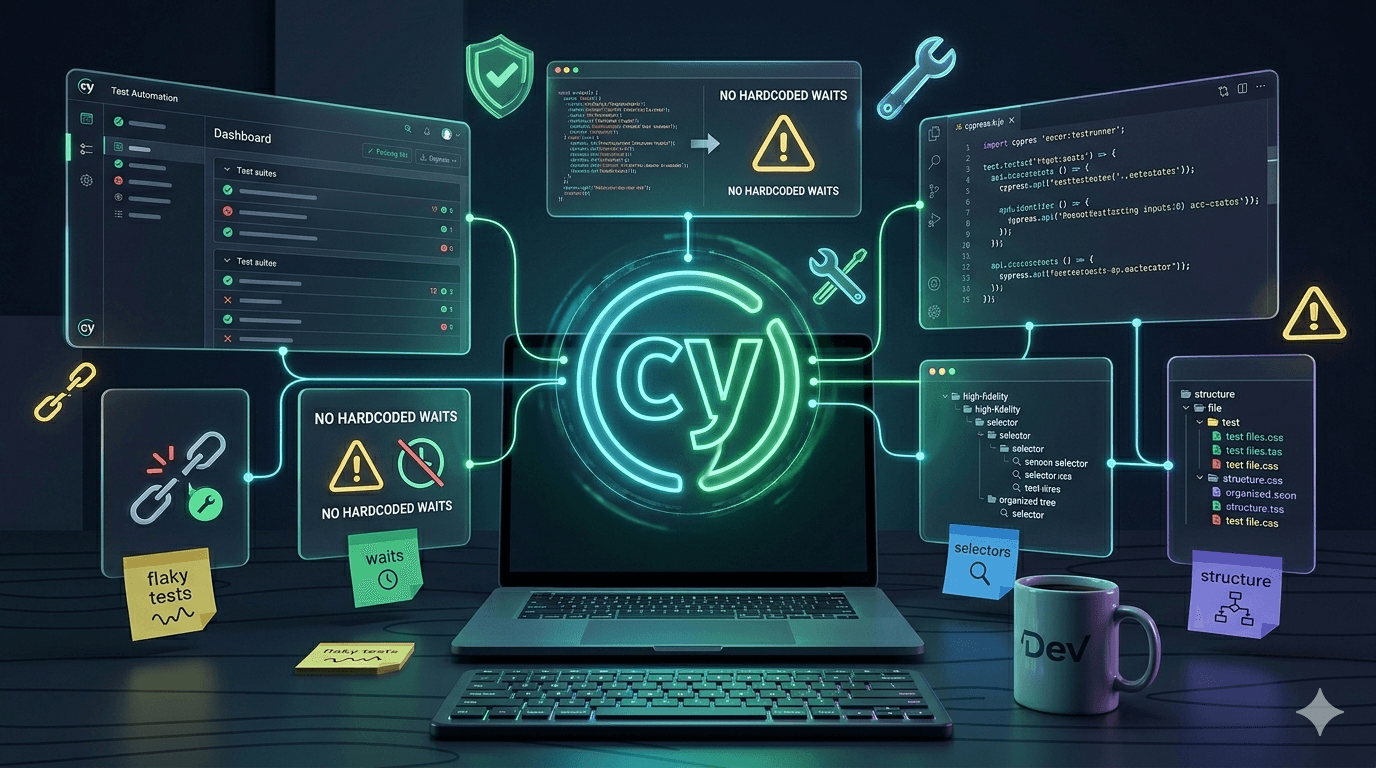
When I built the Cypress automation framework for Beambox, I did not just write tests. I engineered a system — one that reduced regression testing from 3 hours to 40 minutes, caught 60% more bugs before production, and fundamentally changed how the entire team ships software.
But a framework like that does not happen by accident. It happens because of deliberate decisions — specific strategies that I applied from my experience building and scaling test automation in real-world projects.
In a previous article, I shared the full story of how I built the Beambox framework from scratch — the tools, the architecture, and the results. If you have not read it, I would recommend starting there for the complete picture.
This article goes deeper. These are the 7 core strategies I used to make the framework fast, reliable, scalable, and trusted by the entire team. Whether you are building your first framework or improving an existing one, these are the practices that separate a fragile test suite from a bulletproof one.
Strategy 1 — Engineer Rock-Solid Selectors from Day One
The approach:
From the very beginning, I knew that selectors would be the foundation of every single test. If selectors break, everything breaks. So I made a deliberate decision: no test would ever depend on CSS classes, auto-generated IDs, or DOM structure.
I introduced data-cy attributes across the entire Beambox application. Every button, input, link, and interactive element got a dedicated test attribute — data-cy="submit-button", data-cy="email-input", data-cy="campaign-card". These attributes exist purely for testing. No styling change, no layout refactor, no CSS update can break them.
Why this matters:
I have seen teams lose entire days chasing test failures that have nothing to do with actual bugs — just broken selectors after a UI refactor. In our case, when the Beambox frontend team restructured the entire UI component library, about 40% of the interface changed under the hood. Because our selectors were decoupled from styling and structure, the impact on our test suite was minimal. I updated a handful of selectors in our centralized selectors file and everything was back to green within hours — not days.
I also centralized all selectors into shared selector files organized by page. Every test references selectors from one source of truth. When something does change, I update it in one place and every test that uses it is automatically fixed.
The result:
Our tests survived multiple major UI overhauls without a single false failure. The team trusts the test results because when a test fails, it means something is actually broken — not that a CSS class got renamed. That trust is everything.
Strategy 2 — Design the Architecture Before Writing a Single Test
The approach:
Before I wrote my first test, I spent time designing the framework architecture. I set up a clear folder structure organized by feature — signup, login, campaigns, billing, analytics — each in its own directory. I implemented the Page Object Model pattern from the start, giving each page of the application its own dedicated file describing its elements and actions. Helper functions went into a shared utilities folder. Test data went into fixtures.
Why this matters:
A test framework is not just a collection of test files — it is a living system that grows every week. Without intentional architecture, that growth becomes chaos. I have worked with codebases where finding the right test file takes longer than fixing the actual bug. That is a productivity killer.
With our structure, any team member can look at the folder layout and immediately know where to find any test, any page object, any utility. When a developer wants to add a test for their new feature, they know exactly where it should go. One developer told me, "This is the most navigable test codebase I have ever worked with." That was the goal.
The Page Object Model was particularly powerful. Each page object encapsulates all the selectors and interactions for a specific page. When Beambox redesigned their dashboard, I updated the dashboard page object and every test that touched the dashboard was automatically updated. No hunting through dozens of files. One change, one place, full coverage.
The result:
The framework scaled from 1 test suite to 21 test suites without any structural rewrites. New tests follow the same patterns as existing ones, making the codebase consistent and predictable. Team members who had never written a Cypress test before were able to contribute tests within their first week.
Strategy 3 — Implement Intelligent Wait Strategies
The approach:
One of the first engineering decisions I made was to ban hardcoded waits entirely from the framework. No cy.wait(3000). No arbitrary timeouts. Every single wait in the framework is tied to a specific condition — an element becoming visible, an API call completing, a state change happening.
I built the framework around Cypress's powerful cy.intercept() for network-level waits and assertion-based retries for UI-level waits. For example, instead of guessing how long a dashboard takes to load, our tests intercept the actual API call and wait for the real response:
cy.intercept('GET', '/api/dashboard').as('loadDashboard')
cy.wait('@loadDashboard')
cy.get('[data-cy=dashboard-content]').should('be.visible')
The test waits for exactly the right moment — no more, no less.
Why this matters:
Flaky tests are the silent killer of test automation. When tests randomly fail, the team stops trusting the results. And when trust is gone, the entire framework loses its value. I have seen organizations invest months building automation only to abandon it because nobody believed the results anymore.
By engineering intelligent waits from the start, our framework runs consistently across every environment — my local machine, the CI server, staging, production. It does not matter if the server is fast or slow on a given day. The tests adapt because they wait for real conditions, not arbitrary time.
The result:
Our test suite maintains a consistent pass rate above 95% across all environments. When a test fails, the team immediately investigates because they know it is a real issue — not a timing fluke. That level of confidence is what makes automation actually useful.
Strategy 4 — Prioritize Simplicity and Readability Over Cleverness
The approach:
I set a rule for the entire framework: if someone new to the project cannot understand what a test does within 30 seconds of reading it, it is too complex. Every custom command, every utility function, every abstraction has to earn its place by clearly saving time or reducing duplication. If it does not meet that bar, it does not belong in the framework.
I kept the abstraction layers intentionally shallow. Custom commands handle genuinely repeated multi-step flows — cy.login(), cy.createCampaign(), cy.verifyToast(). But I never wrapped simple Cypress commands in unnecessary abstractions. A button click is a button click. A form fill is a form fill. Clarity over cleverness, always.
Why this matters:
A test framework is a team tool, not a personal project. If only the person who built it can maintain it, that is a single point of failure — and a sign that the framework is too complex. I designed every part of this framework with the assumption that someone else would need to debug it, extend it, or fix it at 11 PM during an incident.
When a test fails, the debugging path should be straightforward. Read the test, see what it does, find where it failed, understand why. No tracing through five layers of abstraction to figure out what a single line actually does.
The result:
Developers on the Beambox team — people who had never worked with Cypress — were able to read tests, understand them, and even write new ones. The framework became a shared team asset rather than a black box owned by one person. That is the difference between automation that survives and automation that gets abandoned.
Strategy 5 — Build a Reusable Component Library from the Start
The approach:
From the very first test, I made a commitment: any action used more than once gets extracted into a reusable component. No copy-pasting. No "I will refactor it later." If two tests share a login step, that login step becomes a custom command immediately.
Over the course of the project, I built 38 reusable components — custom commands for common workflows (login, signup, navigation), page objects for every major section of the application, utility functions for data handling and verification, and fixture files for test data management.
Why this matters:
Reusability is not just about writing less code — it is about maintenance at scale. When Beambox updated their login flow with new fields and changed validation, I updated the cy.login() command in one file. Every test that used it — across all 21 test suites — was instantly updated. One change. Two minutes. Done.
Without this approach, that same change would have required updating every single test file that touches the login flow. In a framework this size, that could mean touching 15 to 20 files, testing each one, and hoping nothing was missed. The difference between a 2-minute fix and a half-day project.
The component library also dramatically accelerated new test creation. Writing a new test went from a 30-minute task to a 5-minute task because all the building blocks already exist. Need to test a new campaign feature? The login command, navigation helpers, and verification utilities are already there. You just compose them.
The result:
The framework is highly maintainable and fast to extend. Feature changes that impact multiple tests are handled with single-point updates. New tests are written in minutes, not hours. The reusable component library became the backbone of the entire framework's scalability.
Strategy 6 — Design for Scale with Environment Configs and Smart Tagging
The approach:
I designed the framework from the beginning to support multiple environments, configurable test data, and selective test execution. Each environment — local, staging, production — has its own configuration file with the right URLs, credentials, and settings. Switching environments is a single command flag. No manual edits, no risk of running the wrong data against the wrong environment.
I also implemented test tagging across all 21 suites. Every test is tagged by feature (billing, campaigns, signup), priority (smoke, regression, full), and scope (critical-path, edge-case). This lets the team run exactly what they need:
- Developer pushes a billing change? Run --tag billing — takes 3 minutes
- Quick pre-release check? Run --tag smoke — covers critical paths in 8 minutes
- Full regression before a major release? Run --tag regression — comprehensive coverage in 40 minutes
Test data lives in organized fixture files, separated by environment. The framework automatically loads the correct fixtures based on the active configuration. No hardcoded values anywhere in the test files.
Why this matters:
A framework that cannot scale is a framework with an expiration date. I have seen teams build automation that works perfectly at 10 tests but completely falls apart at 100. The bottleneck is always the same — hardcoded values, no environment separation, and all-or-nothing test execution.
By solving these problems upfront, the Beambox framework grew from 1 suite to 21 suites without a single architectural change. The system I designed on day one still works perfectly today — it just has more tests running through it.
The result:
The team gets fast, targeted feedback on every code change. Developers are not waiting 40 minutes for a full regression when they only changed one feature. The framework runs seamlessly across all environments. And scaling from 21 suites to 50 or 100 would require zero structural changes — the architecture is already ready.
Strategy 7 — Make Test Results Visible, Shared, and Blocking
The approach:
I treated test reporting and visibility as a core feature of the framework, not an afterthought. From the early stages, I integrated automated reporting into every layer of the development workflow:
- Slack notifications — After every CI run, the team channel gets a summary: tests passed, tests failed, execution time, and links to detailed reports
- PR integration — Test results are posted directly on pull requests. A failing test blocks the merge. Developers see exactly what failed and why before anyone reviews the code
- Screenshots and videos — Every failed test automatically captures a screenshot at the point of failure and a full video recording of the test run. Developers can see exactly what happened without running anything locally
- Trend dashboards — Visual reports showing pass rates, flaky test counts, coverage by feature, and test health over time
Why this matters:
Here is something I have learned from building automation across multiple projects: the technical quality of your tests does not matter if nobody sees the results. A perfectly engineered test suite that runs in silence has zero impact on team behavior. Tests only change culture when they are visible, trusted, and consequential.
The moment we made failing tests block merges, something shifted. Developers started thinking about test quality as part of their workflow — not something separate. Product managers started asking, "Is this covered by automation?" before approving releases. Quality became everyone's responsibility, not just the QA engineer's.
I also made it a priority to maintain a near-zero flaky test count. When a test showed inconsistent behavior, I investigated and fixed it immediately. Because if the team sees random failures, they stop trusting the system. And when trust is gone, the entire investment in automation loses its value.
The result:
Test health became a team metric. Developers fix test-related issues proactively because the results are right there in their PR. The Slack channel creates shared accountability. The dashboards give leadership visibility into quality trends. The framework is not just a testing tool — it is the quality backbone of the entire release process.
The Bigger Picture — Why These Strategies Work Together
These 7 strategies are not isolated techniques — they form a complete system. Each one reinforces the others:
- Rock-solid selectors (Strategy 1) make tests reliable, which builds the trust that makes blocking merges (Strategy 7) possible
- Clean architecture (Strategy 2) enables the reusable components (Strategy 5) that make scaling (Strategy 6) effortless
- Intelligent waits (Strategy 3) eliminate flaky tests, which keeps the team's confidence in the visible results (Strategy 7) high
- Simplicity (Strategy 4) ensures the entire team can contribute, which multiplies the impact of every other strategy
Together, they created a framework that delivered measurable, lasting results:
- Regression testing time dropped from 3 hours to 40 minutes — an 87% reduction
- Automation coverage grew from 0% to over 80% of all critical user flows
- Bugs reaching production decreased by 60%
- 21 test suites covering every major feature of the platform
- On a related healthcare project where I applied the same strategies, the team achieved zero critical bugs for 5 consecutive releases
The numbers tell the story, but the real impact was cultural. Quality went from being one person's job to being the entire team's standard. That transformation is worth more than any metric.
Conclusion
Building a bulletproof test automation framework is not about knowing every Cypress command or writing the most tests. It is about making the right engineering decisions — decisions about architecture, reliability, simplicity, scalability, and visibility.
These 7 strategies are not theoretical. They come from real experience, building and scaling automation on real products with real teams and real deadlines. They worked for Beambox. They worked on the healthcare projects I contributed to. And I am confident they will work for your project too.
If you are building test automation — or planning to — start with these fundamentals. Get the selectors right. Design the architecture first. Make the tests intelligent, simple, reusable, and scalable. And above all, make the results visible. That is how you build a framework the entire team trusts and relies on.
The tools will evolve. The frameworks will change. But these principles are timeless. They are the difference between automation that gets abandoned after six months and automation that becomes the backbone of your entire engineering culture.
If you are working on something similar or want to discuss test automation strategy, I would love to connect. Let's build better software together.

Full-service software development — web, product & QA, with AI built in
Enjoyed this article?
We write about QA engineering, test automation, and the tools shaping our industry. Connect with us on LinkedIn or explore our projects to see these principles in action.